Employees
Your entire team,
organized
No more scattered records, no more guessing who's full-time or who just started probation. Every employee's details, from personal info to government contributions, live in one place.
When it’s your first time landing into HrZen, you have multiple ways to add employees.
You can add them one by one, send an invite link through WhatsApp or Viber, or upload your whole roster via Excel.
However you're set up today, you can have everyone in the system in minutes.
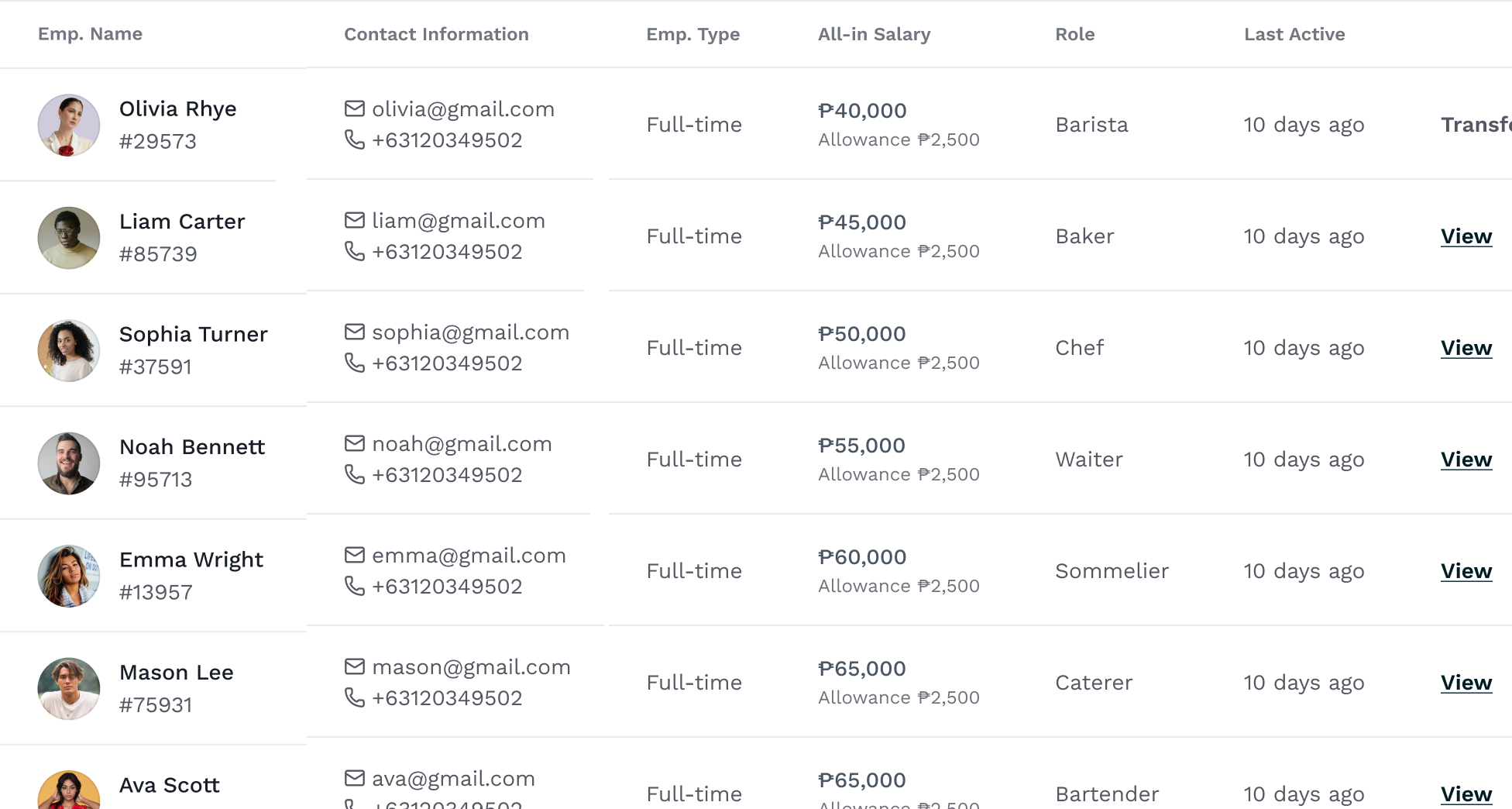
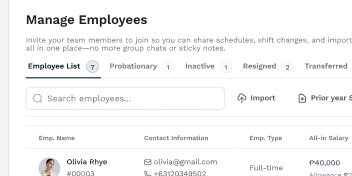
Once your team is set, you can see everyone on your team in the Employees page, listed with the details that matter: contact info, employment type, salary, role, and when they were last active.
Filter by tab to see who's on probation, who's inactive, or who's resigned.
Need to find someone specific? Search by name.
Set up roles that match your operation, create as many as you need, color-code them, and edit anytime. Your structure, your way.
Hiring a batch of new staff? Select multiple employees, pick a role, and assign them all at once. No need to update profiles one by one.
Hiring someone new? One form covers everything: personal details, pay, government IDs, contributions, emergency contact, and payout method. Fill it out once and payroll, scheduling, and compliance are all set.
Click "View" and get the complete picture — employment details, salary, government contributions, emergency contact, and payment info. Edit anything right from the same panel.
Multiple locations? Move an employee to a different branch in one action. No duplicate records, no confusion.
Discover more helpful features for your day-to-day operations
Keep exploring the sidebar to see how it all comes together.
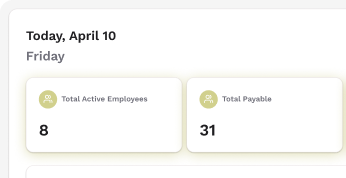
Dashboard
Your entire business at a glance
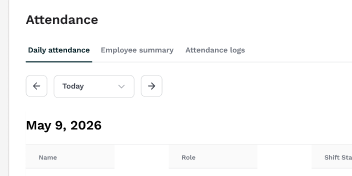
Attendance
Manage attendance and build trust
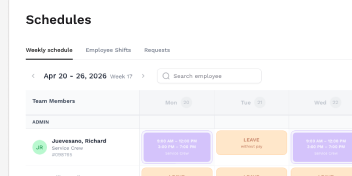
Scheduling
Rosters in minutes, not hours
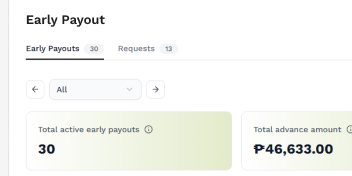
Early Payout
Every request, never awkward
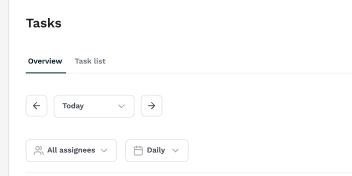
Tasks
Keep every shift on track
Employees
Your entire team, organized
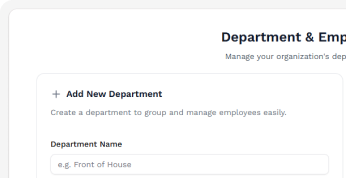
Departments
Organize teams, make managing a breeze
Payroll
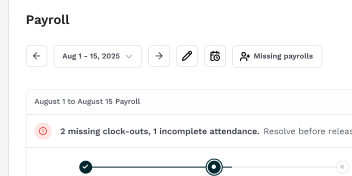
Payday no longer a hassle
Ready to learn more?