Payroll
Payroll,
always correct
HRZen automates salaries, overtime, holiday pay, and 13th-month pay so your team is paid right and on time.
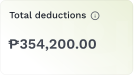
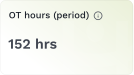
Every payroll run starts here. You'll see your total payroll, net pay, deductions, head count, and overtime hours — all up front.
No digging through spreadsheets. If something's off, you'll know before anyone gets paid.
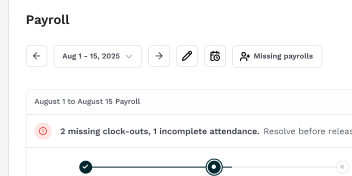
The timeline keeps you honest. You'll always know exactly where you are in the cycle — from payroll run to finalization to payday. No guessing, no missed dates.
We won't let you finalize with loose ends. Missing clock-outs and incomplete attendance get called out right away. Hit "View attendance" to resolve them, then come back and pick up where you left off.
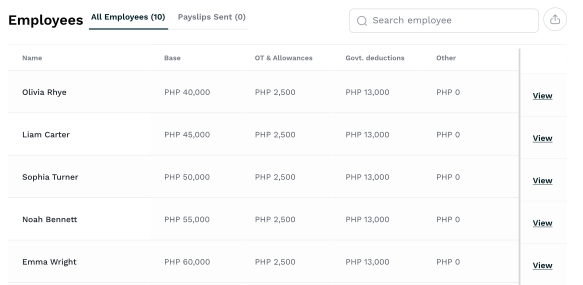
Every employee is listed by department with a full pay breakdown. Base pay, overtime, bonuses, deductions, early payouts, net pay — it's all there. Search by name, or click "View" to drill into anyone's details.
The "Missing payrolls" button flags any gaps — employees who should be on the payroll but aren't.
Create payrolls for anyone with no payroll role yet. Catch it here instead of hearing about it after payday.
When the numbers look right, hit Finalize.
A confirmation modal makes sure you meant it — because once payroll is locked, it stays locked. No accidental releases, no take-backs.
Done! The timeline updates, the status flips to Finalized, and you're one step from payday. Everything is locked and audit-ready.
Ready to pay your people? Hit Release. Payslips go out to every employee automatically.
You can also choose to export payroll as a CSV and download all payslips in one go!
Payroll released, payslips sent, timeline fully green. What used to take you a whole afternoon now takes a few clicks.
You also have other export options right there — one click, and your books and SpendOwl integrations are covered too.
Discover more helpful features for your day-to-day operations
Keep exploring the sidebar to see how it all comes together.
Dashboard
Your entire business at a glance
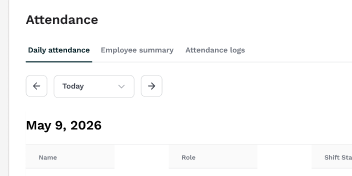
Attendance
Manage attendance and build trust
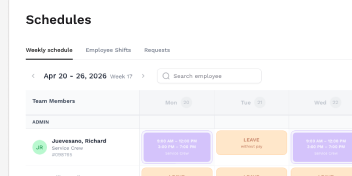
Scheduling
Rosters in minutes, not hours
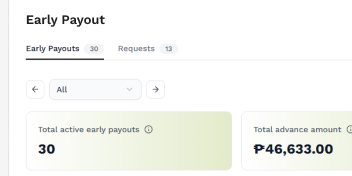
Early Payout
Every request, never awkward
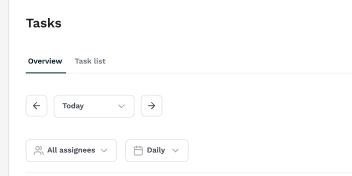
Tasks
Keep every shift on track
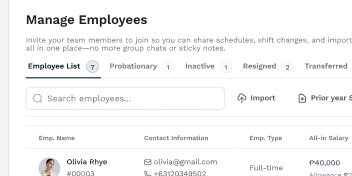
Employees
Your entire team, organized
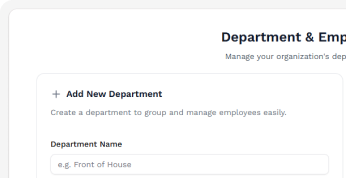
Departments
Organize teams, make managing a breeze
Payroll
Payday no longer a hassle
Ready to learn more?