SCHEDULING
Rosters in minutes, not hours
With HRZen, managers can create and edit weekly schedules directly in the app, assign shifts across multiple roles, and notify staff instantly via mobile.
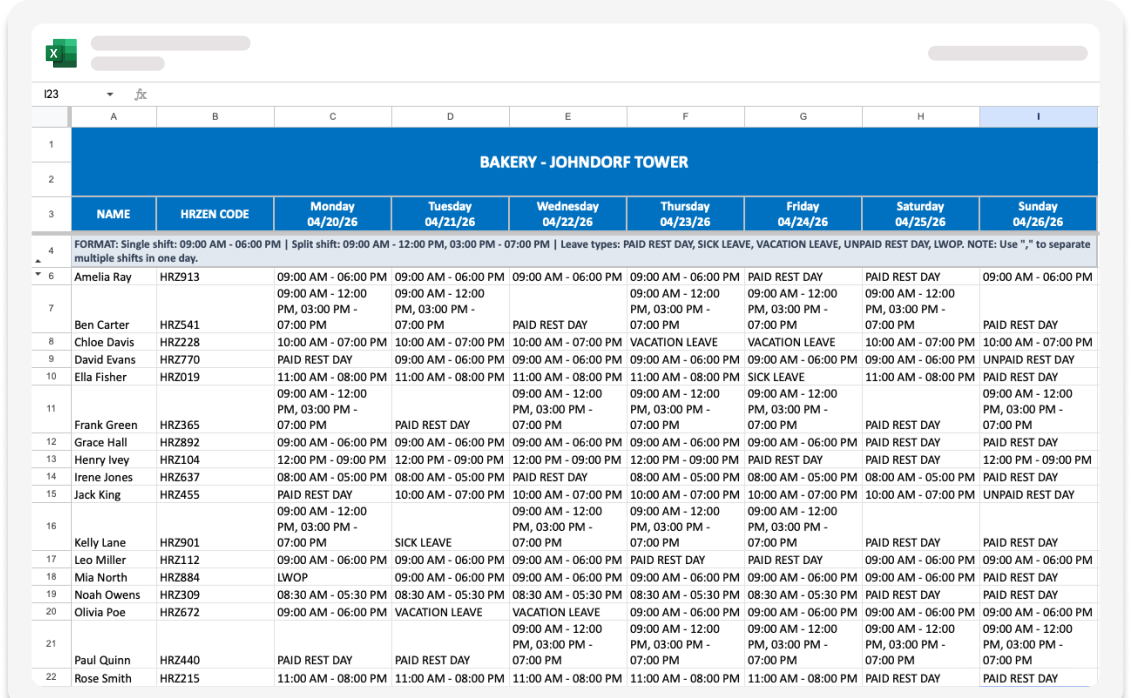
Adding shifts is as easy as uploading an Excel sheet with all your employee’s schedules for the week.
Using our provided Excel template, all it takes is one click and your shifts are set!
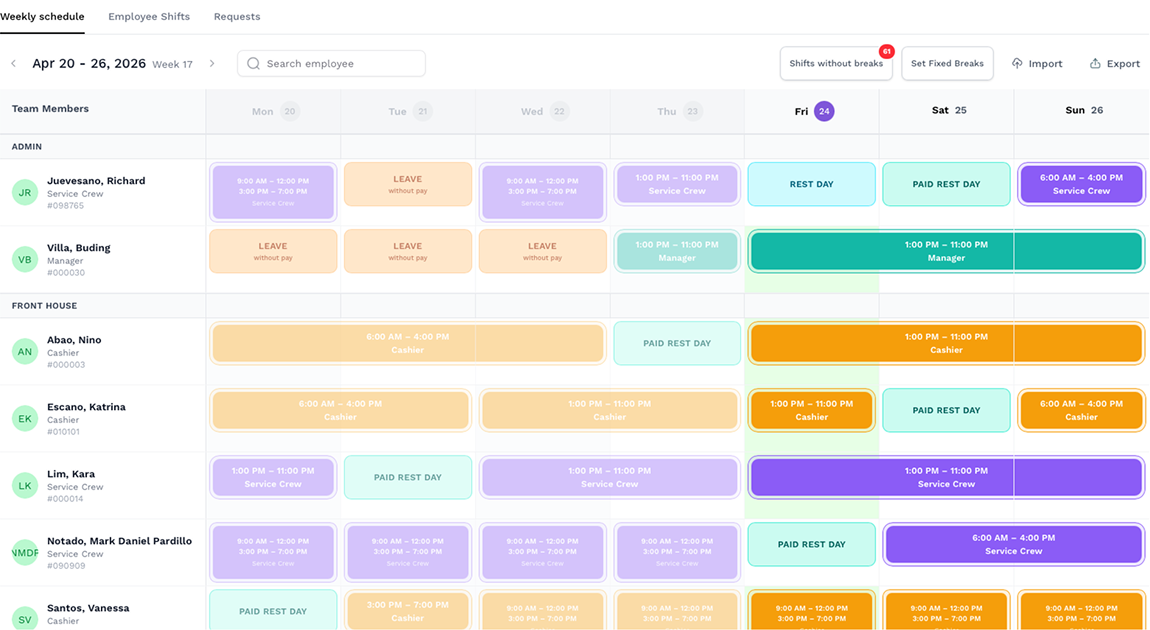
Want to be more precise or make a change on the day? Click on an employee’s row on the calendar and you can add a shift manually or mark that day as a rest day or a leave.
Employees get real time updates on their phones via the HrZen app.
No need to message your employees their schedules, we notify them for you.
Every employee, grouped by department, with their role, today's schedule, and last modified date — all on one page. Need to find someone fast? Search by name.
Spot a "REST DAY" that shouldn't be? Someone hasn’t been assigned a break? You're already in the right place to fix it. Import, export, or set fixed breaks in bulk — the toolbar's got you covered.
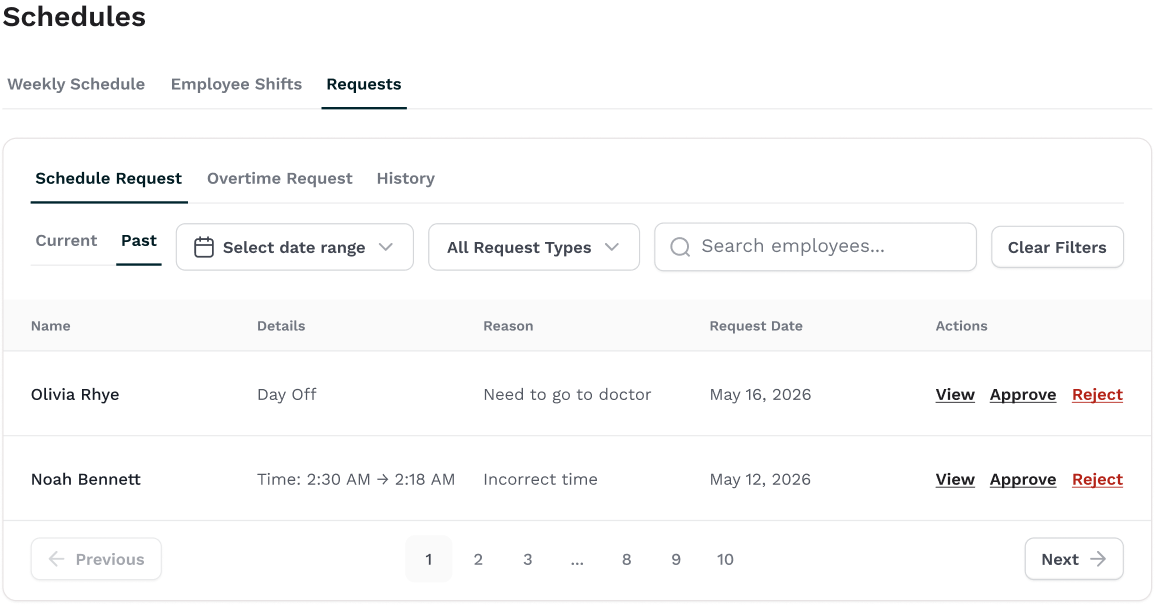
Employees can also make schedule and overtime requests from the employee app!
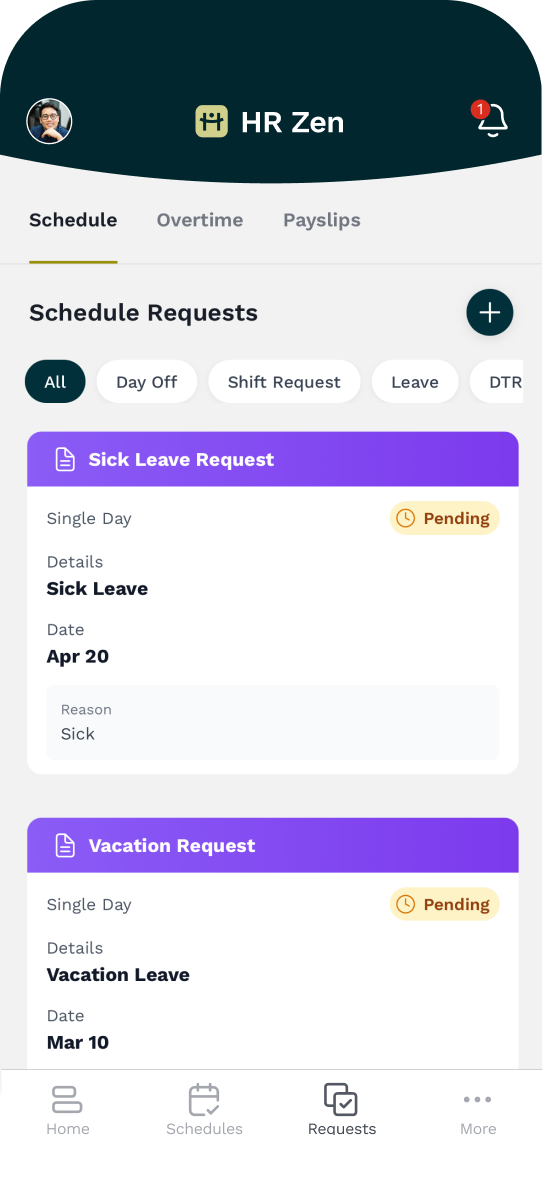

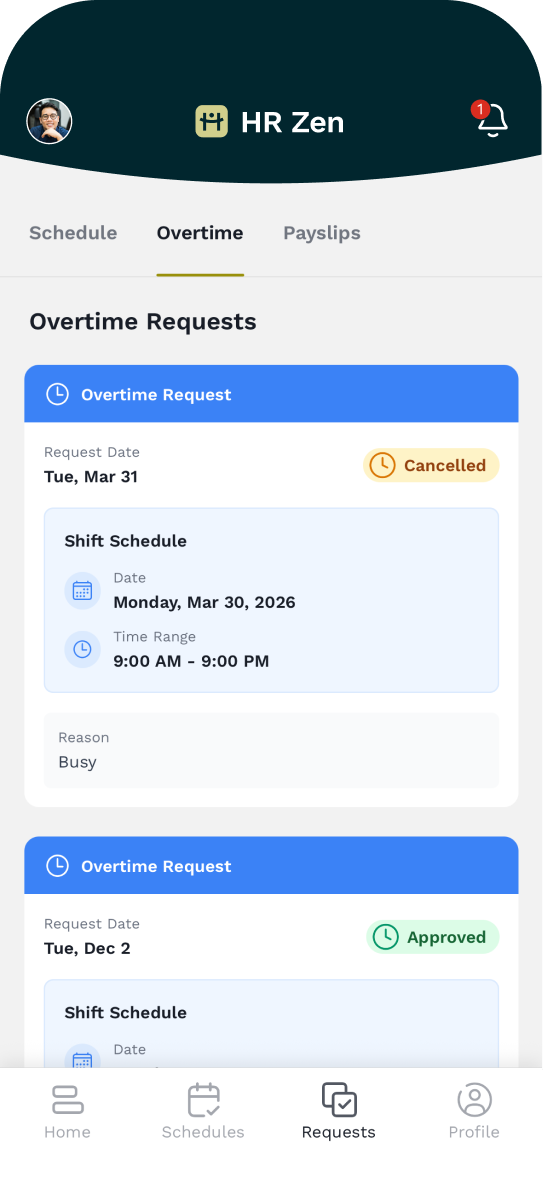
It’s as easy as filling up the form and their request is sent to you!
All employee requests show up on your Dashboard and in the Requests tab. Every change, every request, reflecting automatically through the app.
Discover more helpful features for your day-to-day operations
Keep exploring the sidebar to see how it all comes together.
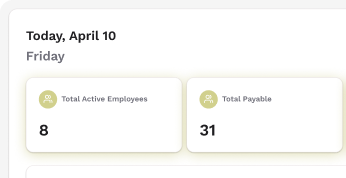
Dashboard
Your entire business at a glance
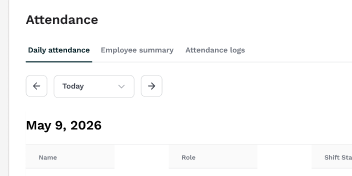
Attendance
Manage attendance and build trust
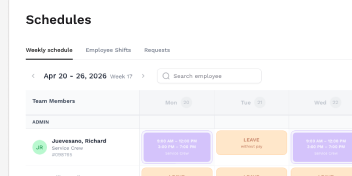
Scheduling
Rosters in minutes, not hours
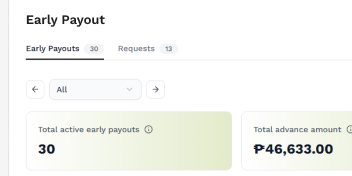
Early Payout
Every request, never awkward
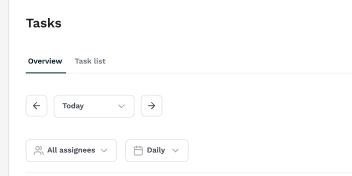
Tasks
Keep every shift on track
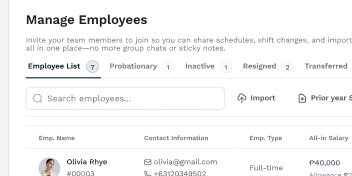
Employees
Your entire team, organized
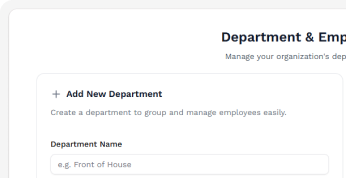
Departments
Organize teams, make managing a breeze
Payroll
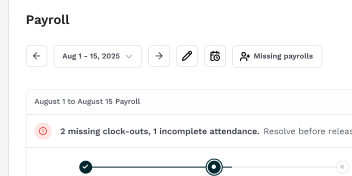
Payday no longer a hassle
Ready to learn more?